

Vault funded with a budget asset, a Policy carrying the caps and scope, and a non-transferable AgentCap delivered to the agent’s address. The dashboard composes this PTB for you and tops up the agent key with gas.
1. Open the dashboard
altheia.xyz/sui → connect your Sui wallet → switch to Testnet → Create Agent.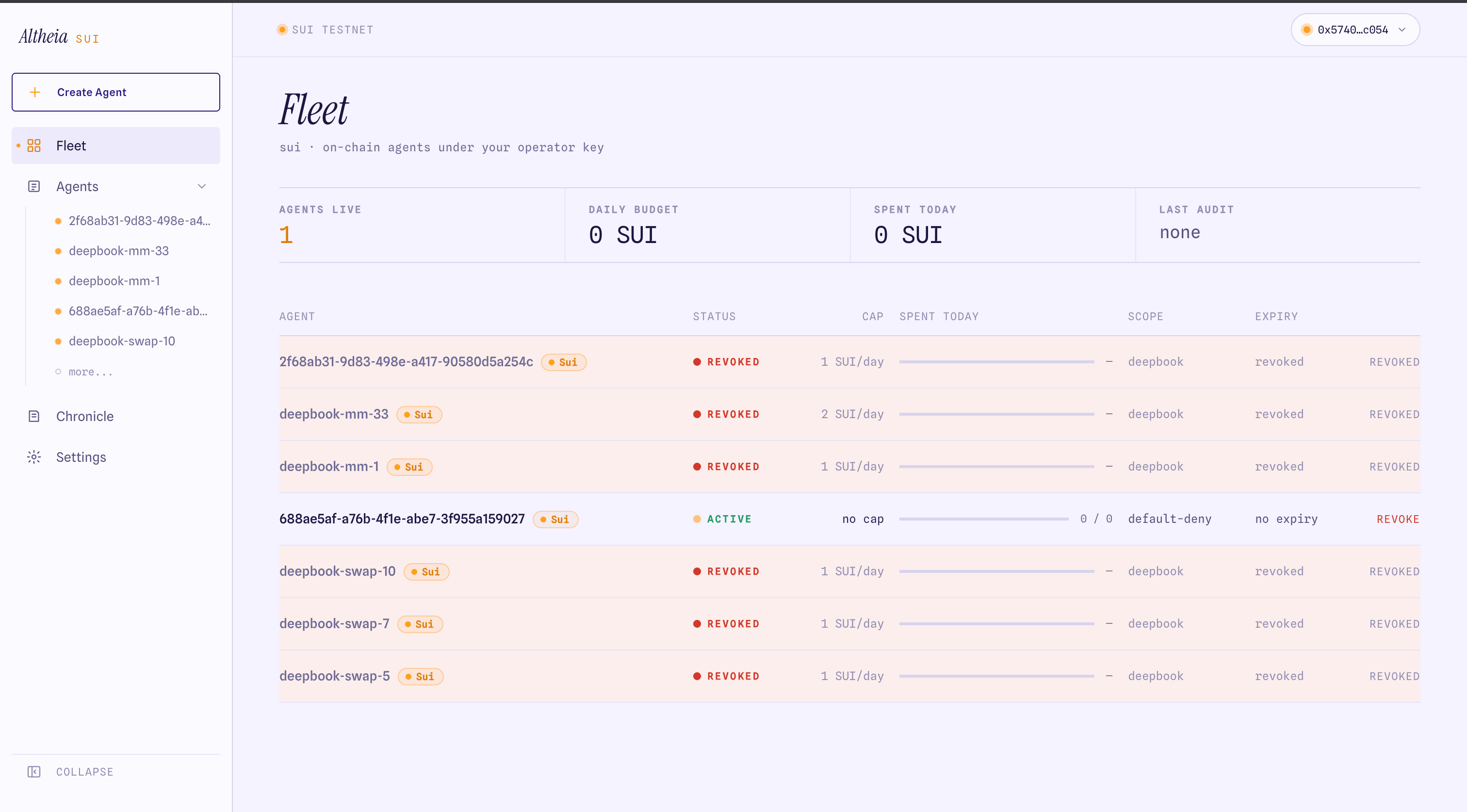
2. Fill the form
3. Sign the provisioning transaction
You sign one transaction. It runsprovision_open, deposit, mint_policy_open, add_asset_cap, the swap value-guard, mint_agent_cap_for, shares the vault and policy, and sends gas to the agent address — all in one PTB. This is provisionAgentMulti in the SDK.
4. Save the agent key
After the transaction lands, the dashboard shows the agent’s private key once. It is the only secret the agent process needs:agentRefs(client, agentAddr) derives the vault, policy, and cap from the AgentCap the key owns. The owner keeps the OwnerCap (in the connected wallet) for pause, revoke, and drain.
5. Check the agent
The agent detail page shows the live vault balance, the policy caps read from chain, the allowed actions, and the scope.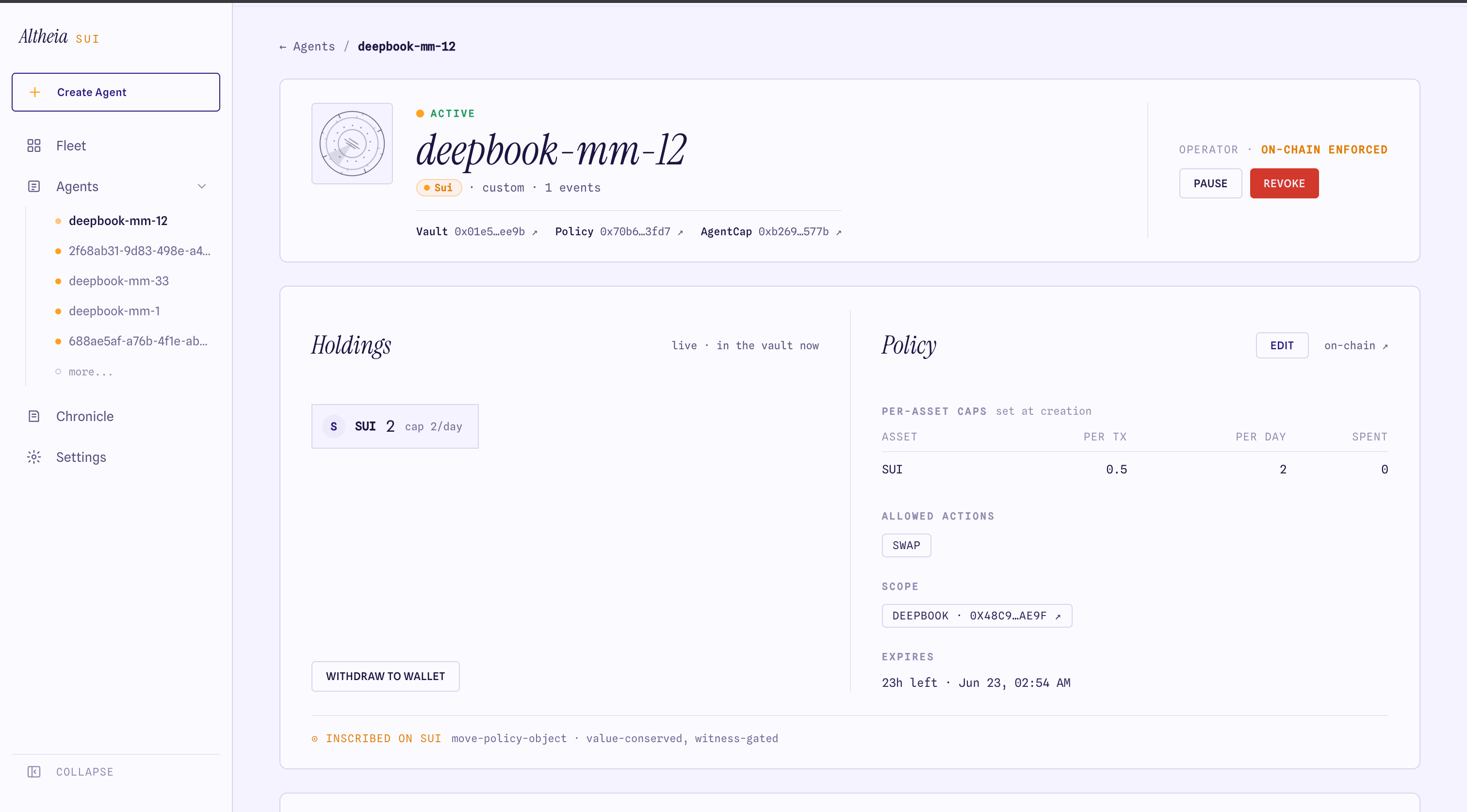
Provision programmatically
provisionAgentMulti(exec, params) does the same in one owner signature without the dashboard. See PTB builders.
Next: integrate the SDK
Wire
@altheia-xyz/sui into your agent process.